This episode is only available to Club TWiT members.

Jul 20th 2023
Hands-On Apple 92
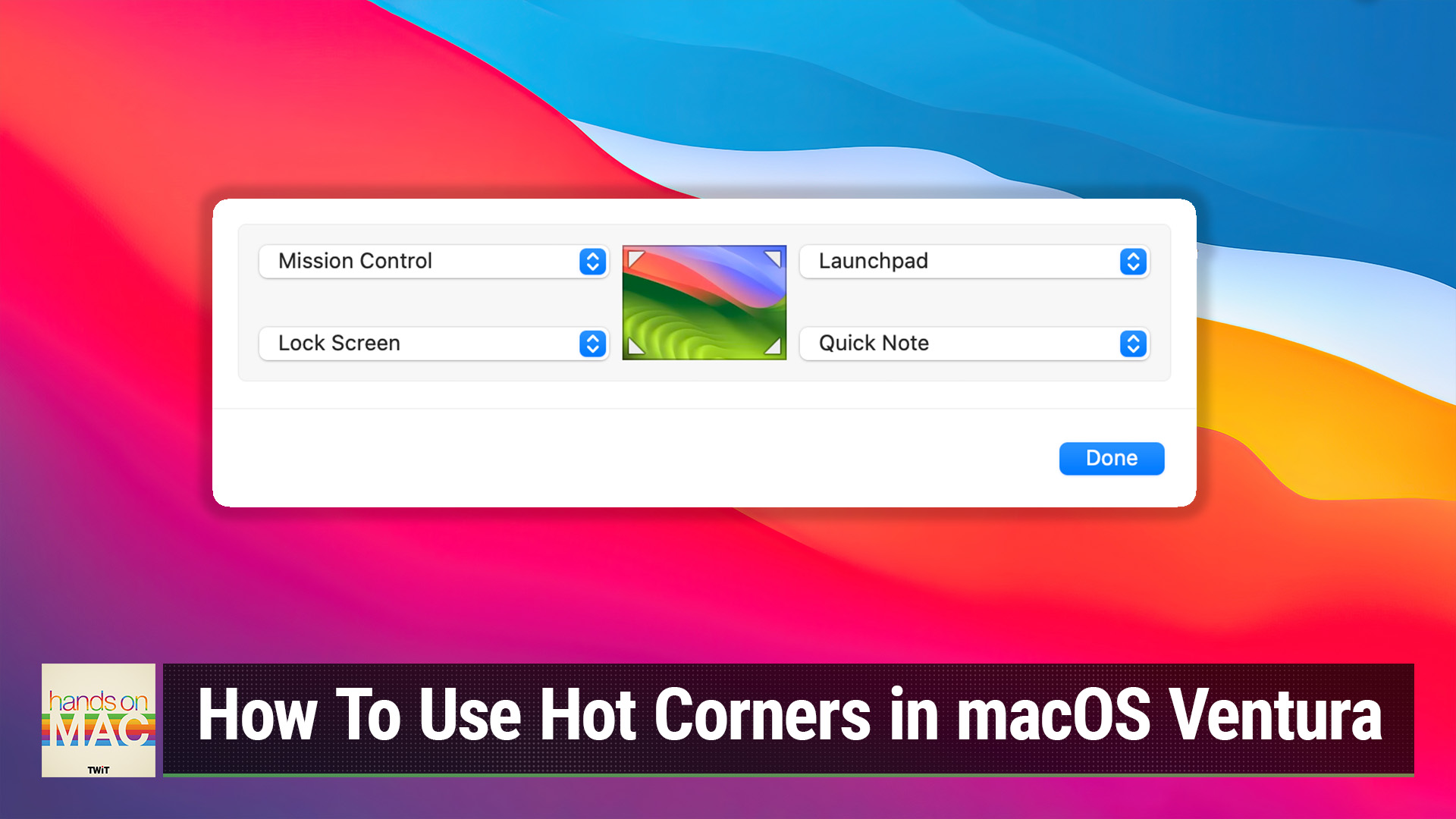
How To Use Hot Corners in macOS Ventura
Hosted by
Mikah Sargent
Quickly Lock Your Mac, Sleep Your Display, & Access Launchpad
New episodes every Thursday.





Want a way to quickly launch Mission Control, view your Desktop, lock your Mac, put your display to sleep, and more? Hot Corners on macOS is the feature you've been looking for! Mikah Sargent walks you through the process of setting up and making use of Hot Corners.
Discuss episodes in the TWiT Community.
Club TWiT members can discuss episodes in the Club TWiT Discord.