This episode is only available to Club TWiT members.

Apr 27th 2023
Hands-On Apple 80
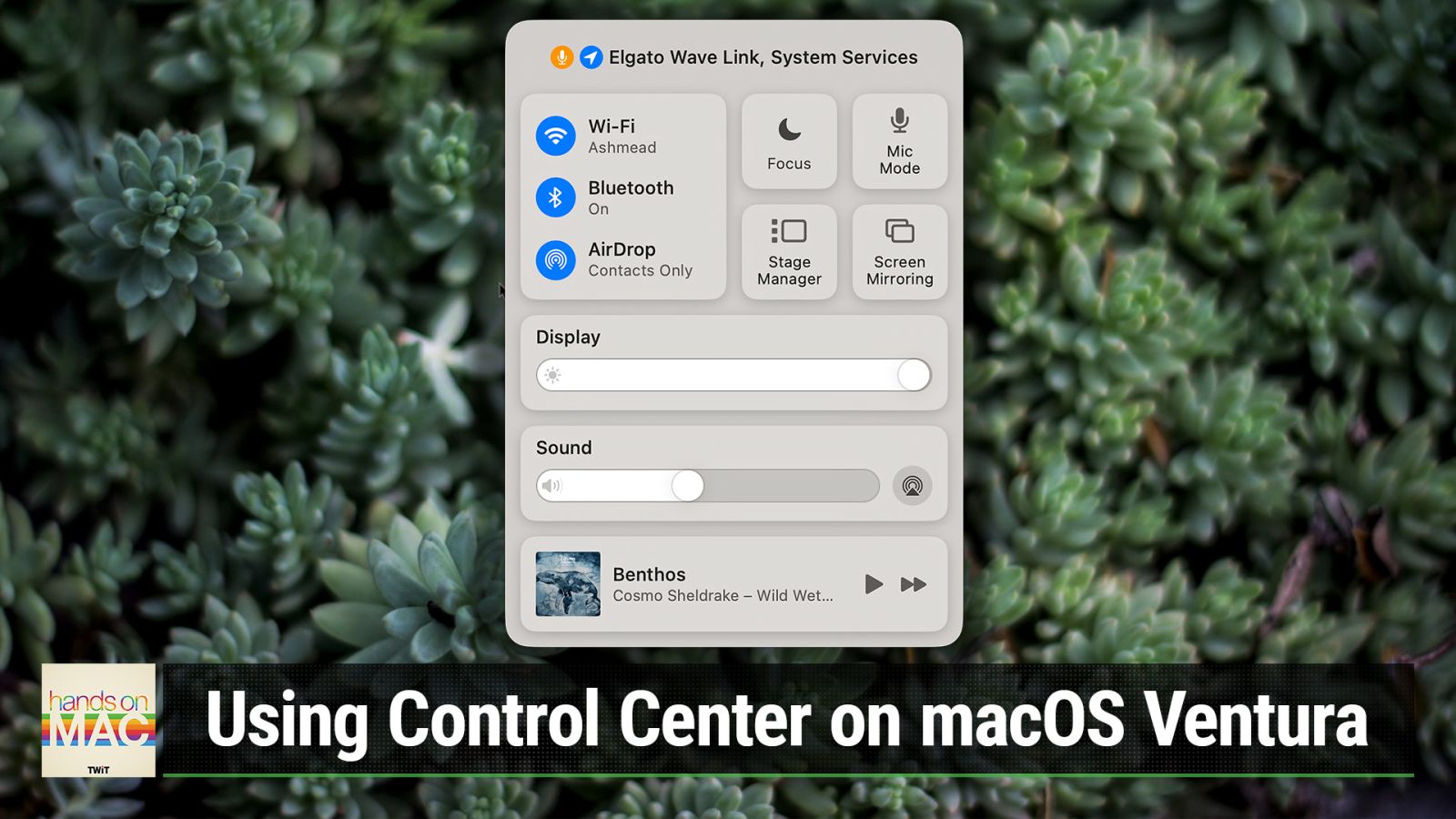
Using Control Center on macOS Ventura
Hosted by
Mikah Sargent
Control Wi-Fi, Bluetooth, Volume, Focus Modes, and More
New episodes every Thursday.





macOS Ventura makes it simple to control many of the Mac's most-changed settings. Control Center, accessible via the Mac menu bar, gives you quick access to Wi-Fi settings, Bluetooth settings, AirDrop controls, Focus Modes, Stage Manager, Now Playing controls, Battery, and more. Mikah Sargent explores and explains Control Center, walking you through each of the available controls.
Discuss episodes in the TWiT Community.
Club TWiT members can discuss episodes in the Club TWiT Discord.